
Now on sale at BOOTH.
GEEKY Fab. BOOTH Store(BOOTH ships worldwide through Buyee / tenso.com, so you can order this from outside Japan.)
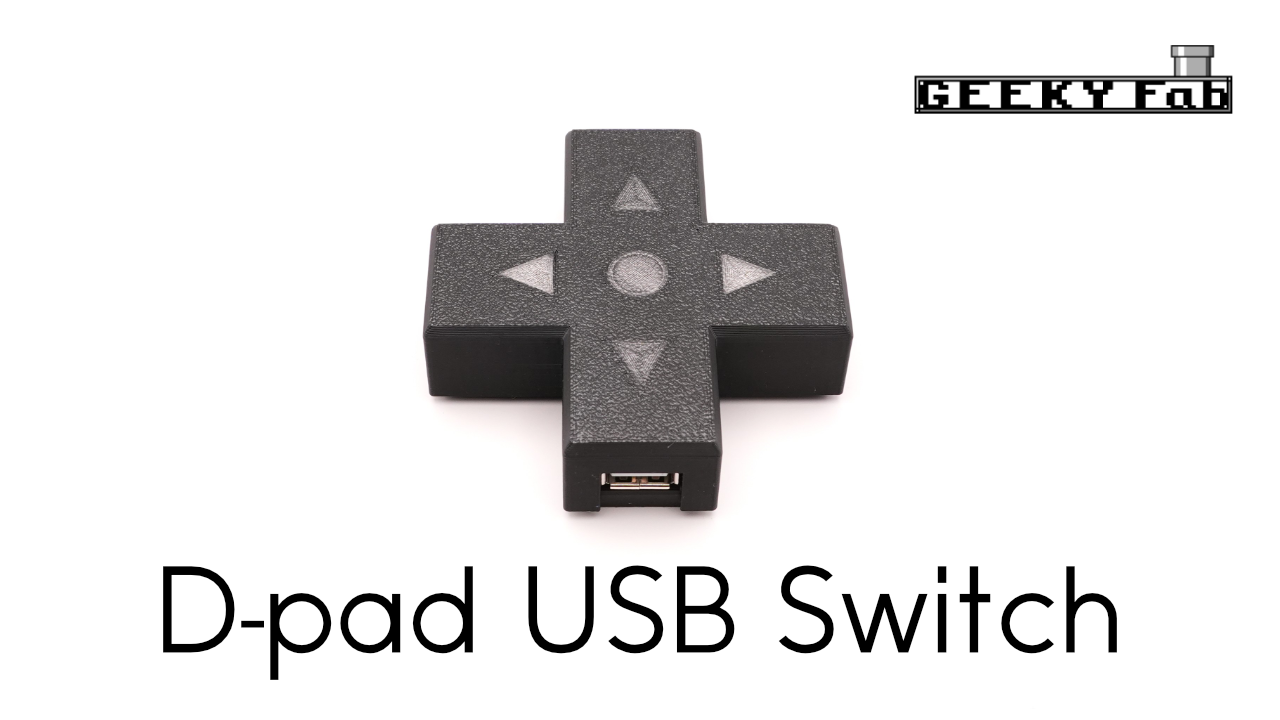
There’s also a D-pad-shaped version of this zero-latency USB switch.
On top of the standard version, it adds the following:
・Switch between PCs or game consoles just by pressing left or right on the D-pad
・Overcurrent protection on each USB port
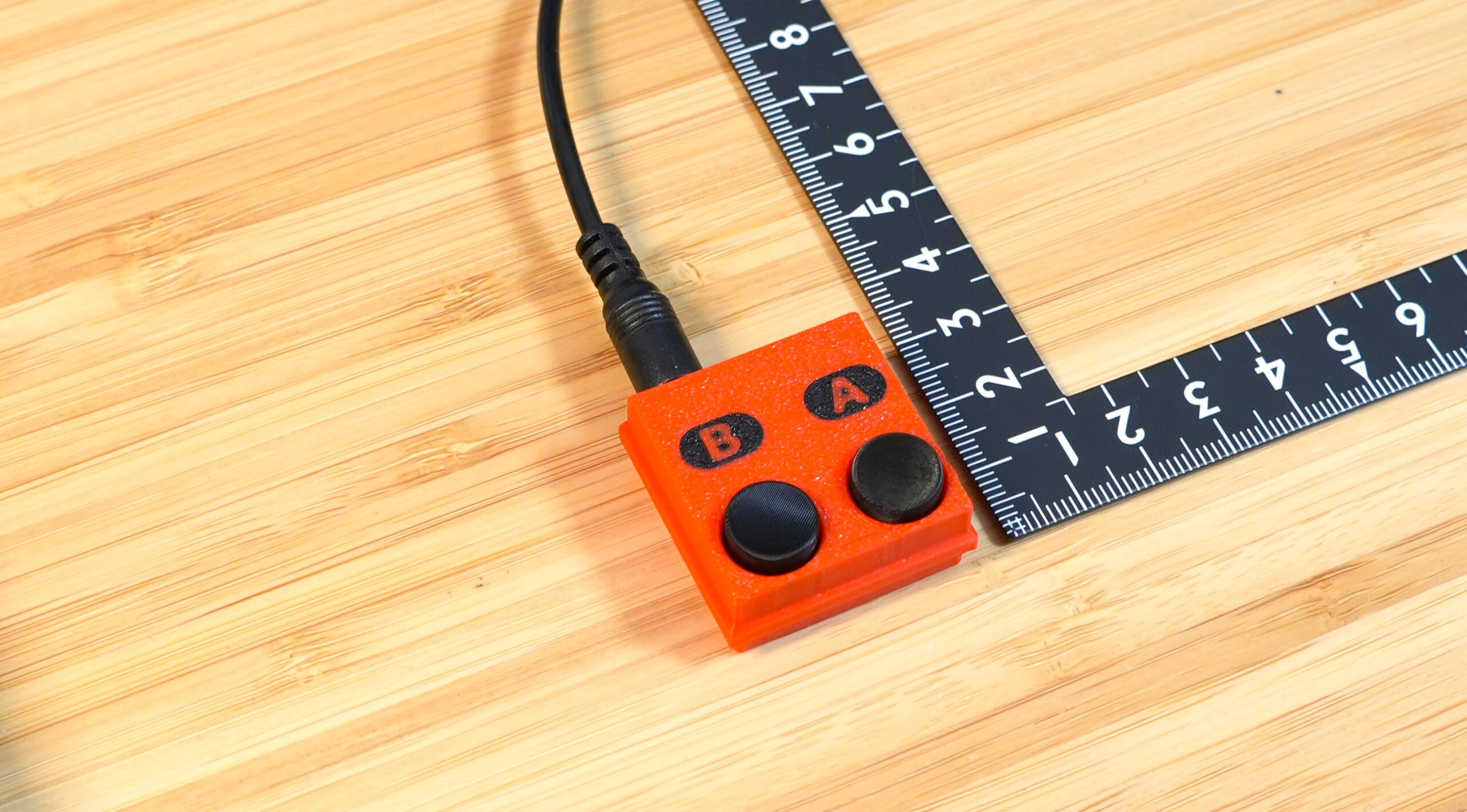
・Support for an optional remote hand switch
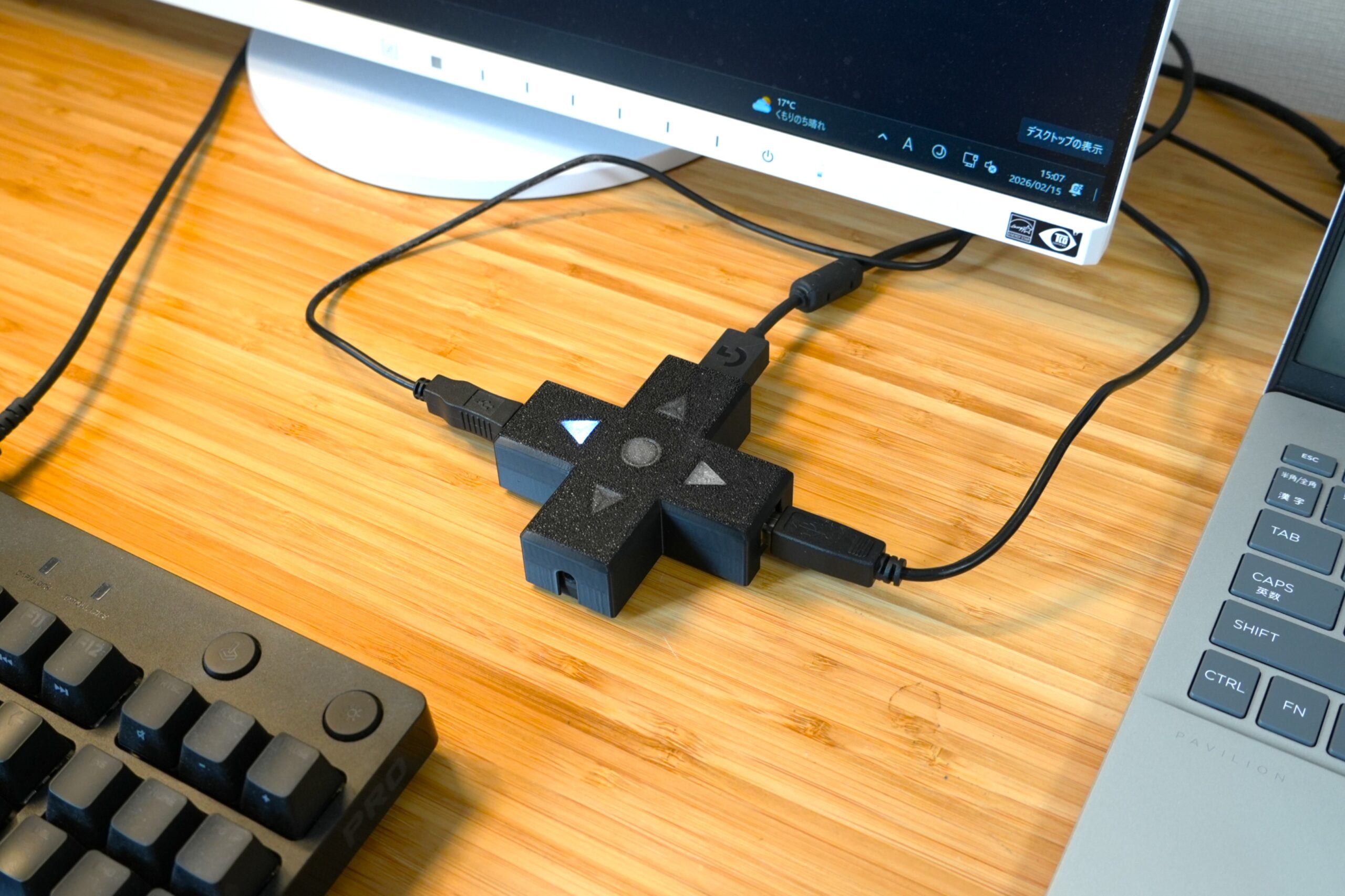
It adds no latency of its own, so it’s ideal for gaming and the like.
Product overview
A compact USB switch supporting USB 2.0 High Speed mode
A compact USB switch for sharing USB devices—keyboards, mice, USB hubs, and the like—between two PCs.
A single switch on the unit lets you toggle between the PCs with ease.
It supports USB 2.0 High Speed mode.
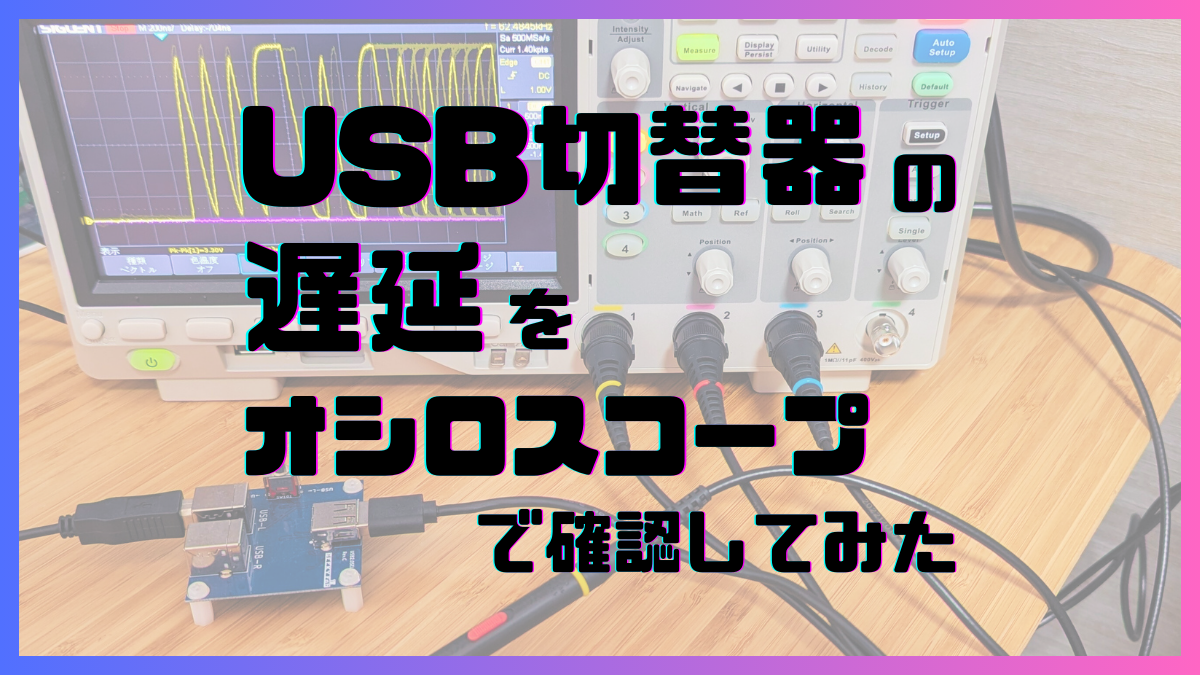
Zero latency
It uses TI’s TS3USB30E, so inserting the USB switch adds no latency.
That makes it well suited to uses that demand low latency, such as gaming.
*Strictly speaking, there is about 0.25 ns of delay. That’s equivalent to extending the cable by roughly 4 cm, so the latency at the system level is zero.
For more on latency, please read this article.
Adopted by major companies
Many units are deployed inside the systems of major companies, and it has been adopted by several of them.
We also have a track record with bulk orders and custom builds, so please feel free to get in touch.
Product features
- Supports data transfer in USB 2.0 High Speed mode.
- The switching IC is the following USB 2.0–compatible IC:
- TI TS3USB30E
- Every unit is tested before shipping to confirm it operates at USB 2.0 High Speed.
- The switching IC is the following USB 2.0–compatible IC:
- We publish the product’s schematic, artwork, and bill of materials.
- No external power required.
- No drivers required. There is no software to install, either.
- Works regardless of platform—Windows PC, Mac, Linux, Raspberry Pi, and more.
If the connected device is a USB HDD, some drives may not work correctly.
This is because some USB HDDs draw more current than the spec allows.
To avoid this, use a shorter USB cable or a USB hub with external power.
Product size
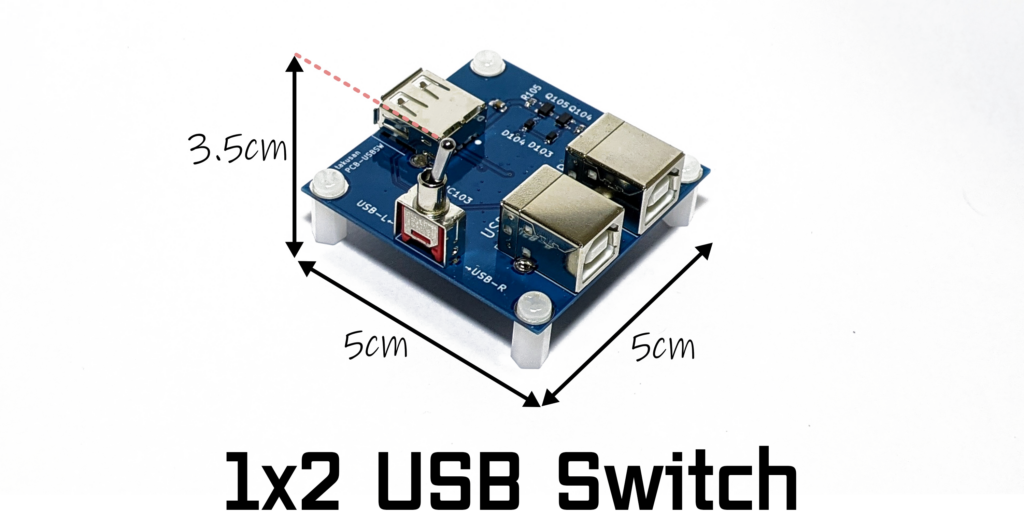
A compact 5 cm wide x 5 cm deep x 3.0 cm tall.
(Height measured to the top of the toggle switch, including the spacer.)
I keep mine on my desk, and it is small enough to stay out of the way.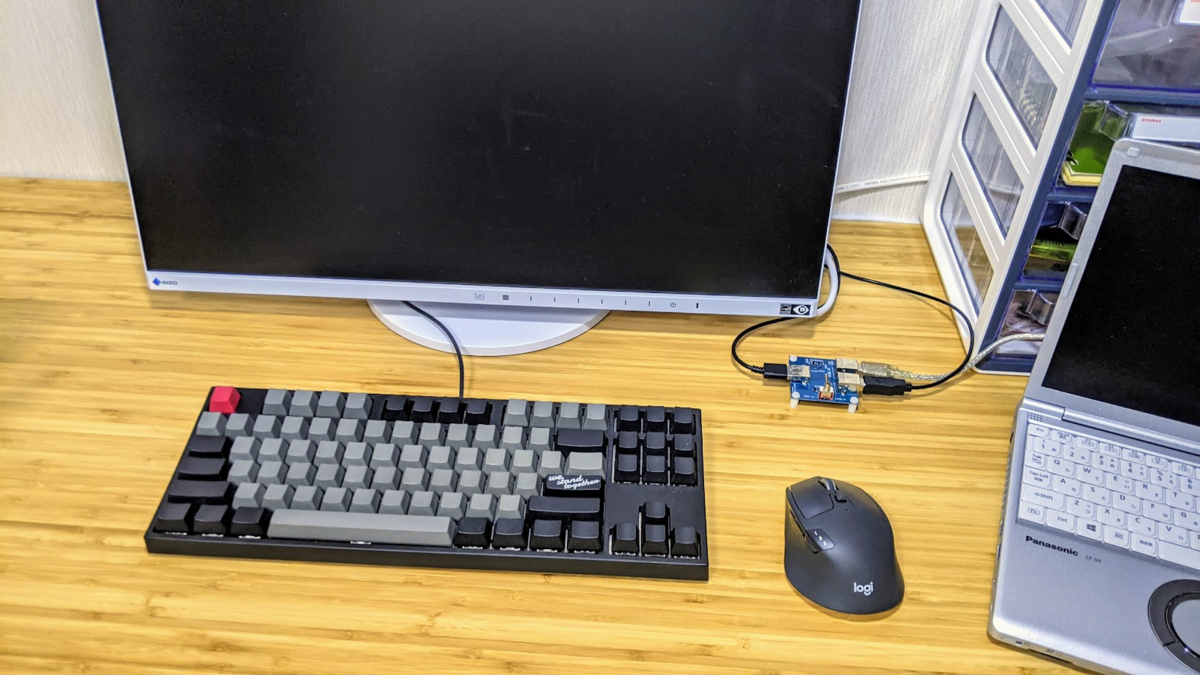
How to use
Connect your PC to the USB Type-B side and your USB device to the USB Type-A side.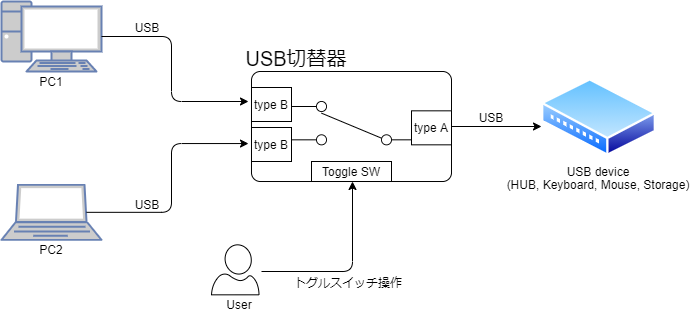
Flipping the toggle switch changes which PC the USB device is connected to.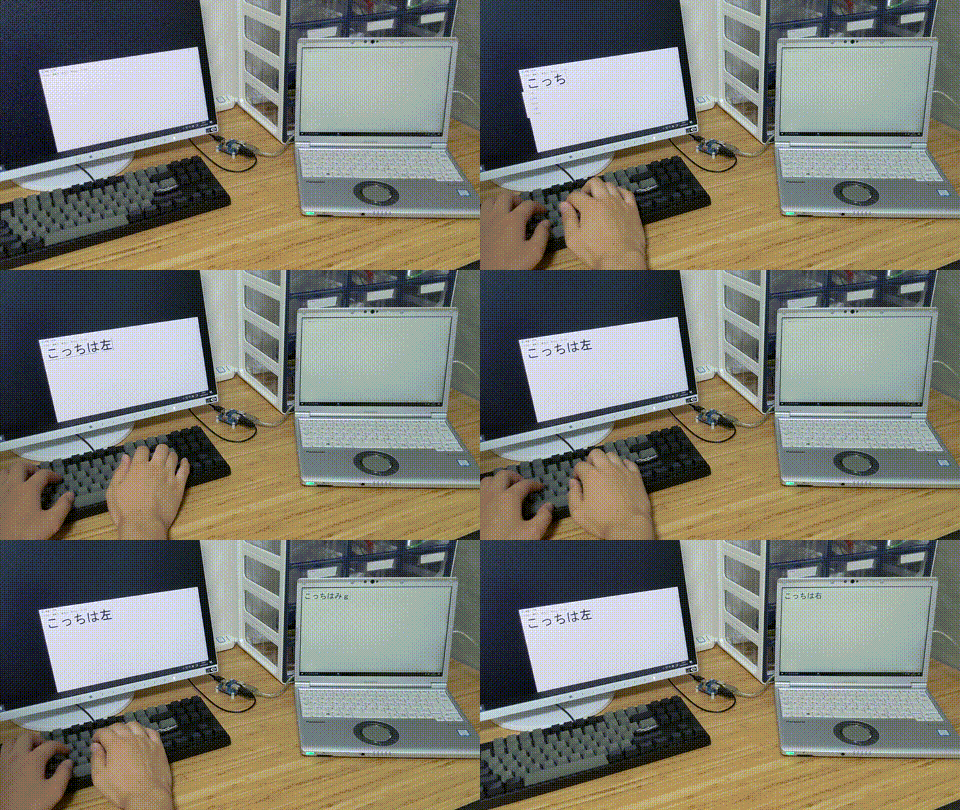
The USB port names are printed on either side of the toggle switch, so you can tell which port is currently selected.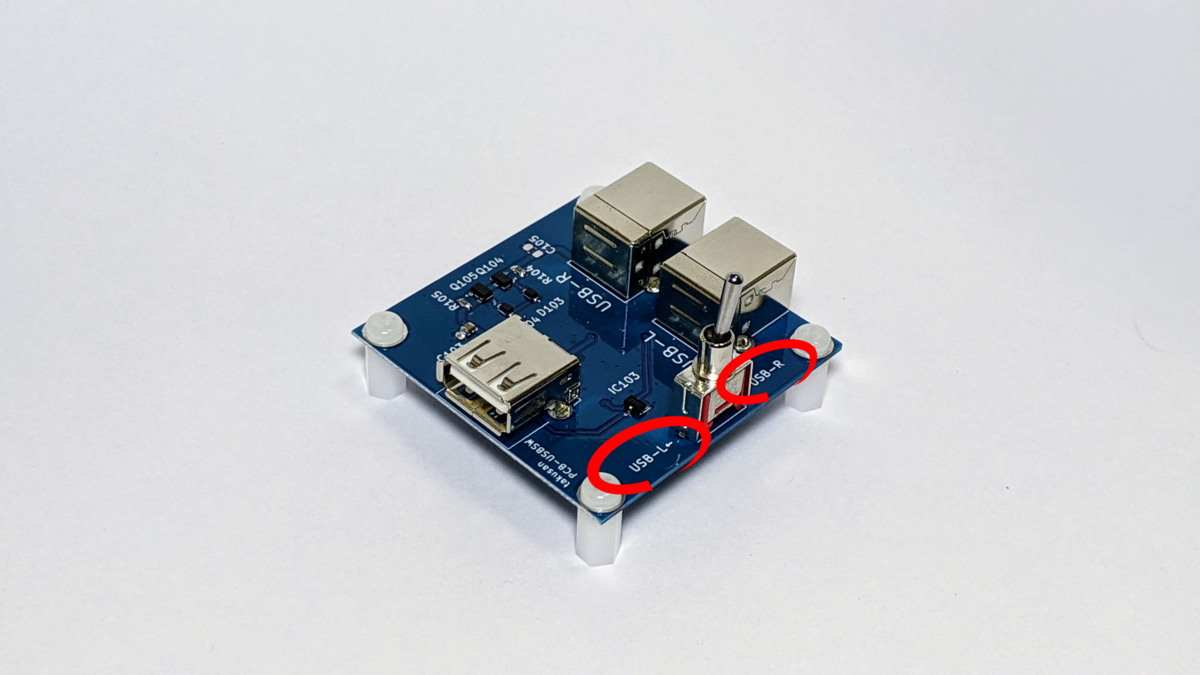
What’s included
A plastic spacer and plastic screws are included.
They are easy to attach by hand.
Product design details
For a more detailed explanation of the product’s design, see this page.
It covers the schematic, how I verified that it works, and more.