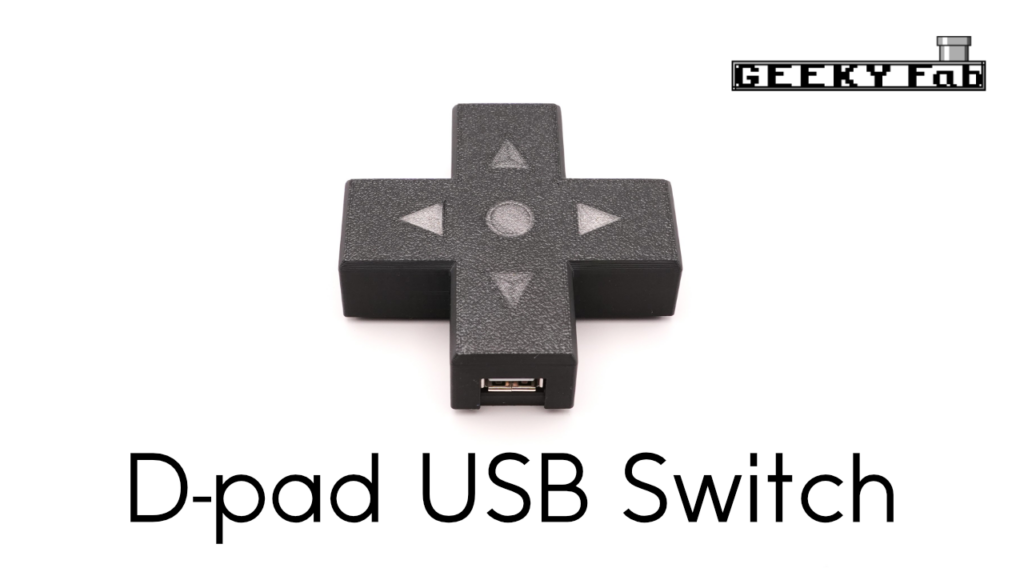
A D-pad-shaped USB switch that gives your desk a retro-game vibe.
By pressing left or right on the D-pad, you can easily switch which of two PCs or game consoles a USB device is connected to.
For example, when you want to use the same USB gamepad on both a PC and a game console, or use your favorite keyboard across two PCs, a single press on the D-pad switches the connection.
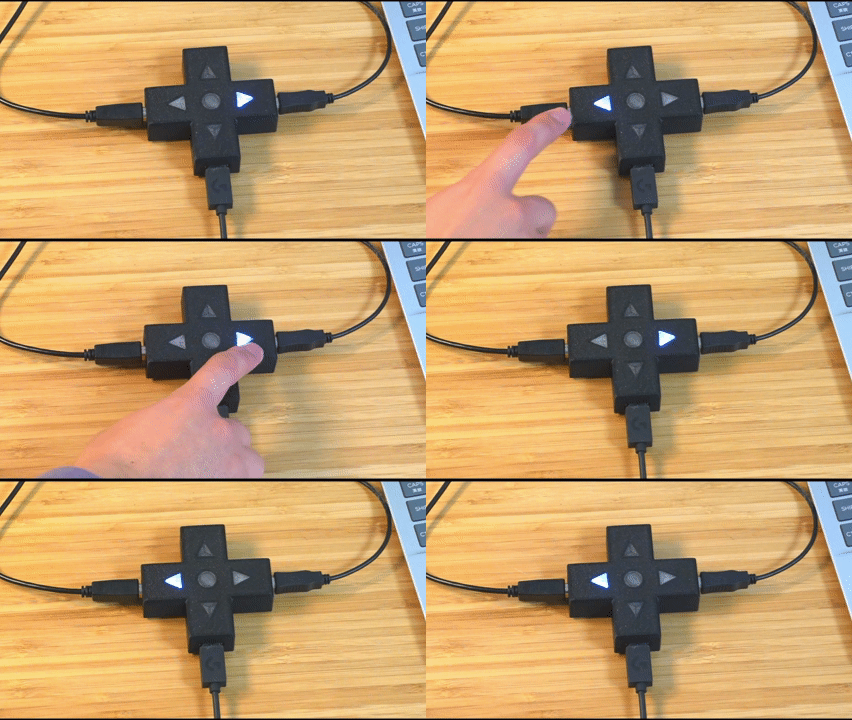
The D-pad lights up to tell you which PC/console it’s currently connected to.
It also works with a remote hand switch.
Where to buy
GEEKY Fab. BOOTH store(BOOTH ships worldwide through Buyee / tenso.com, so you can order this from outside Japan.) Kaden no Ken-chan
How to use
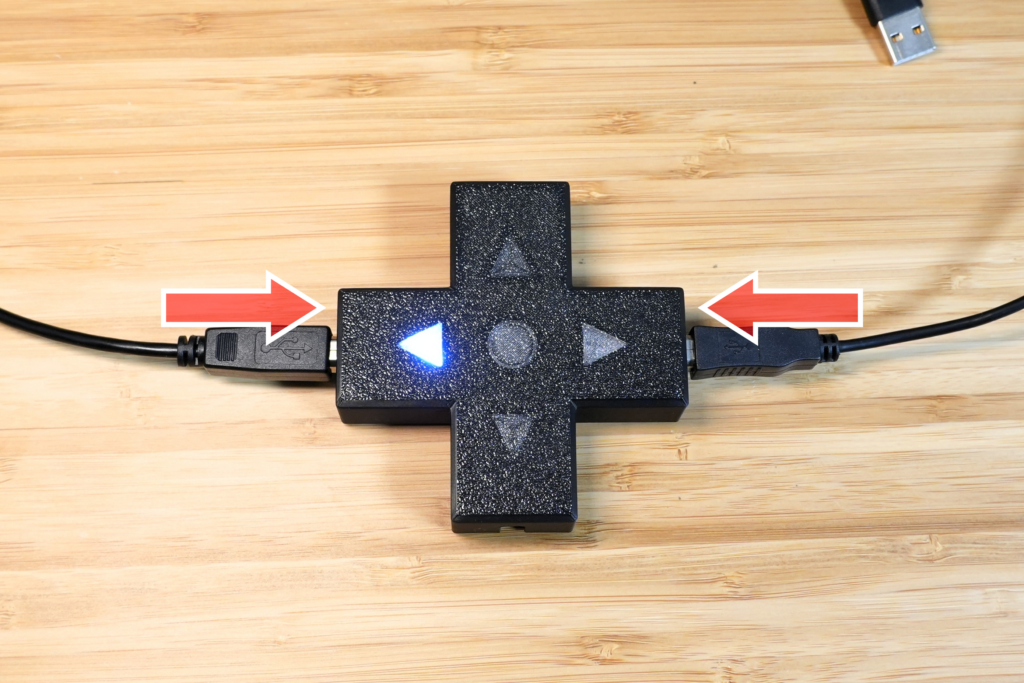
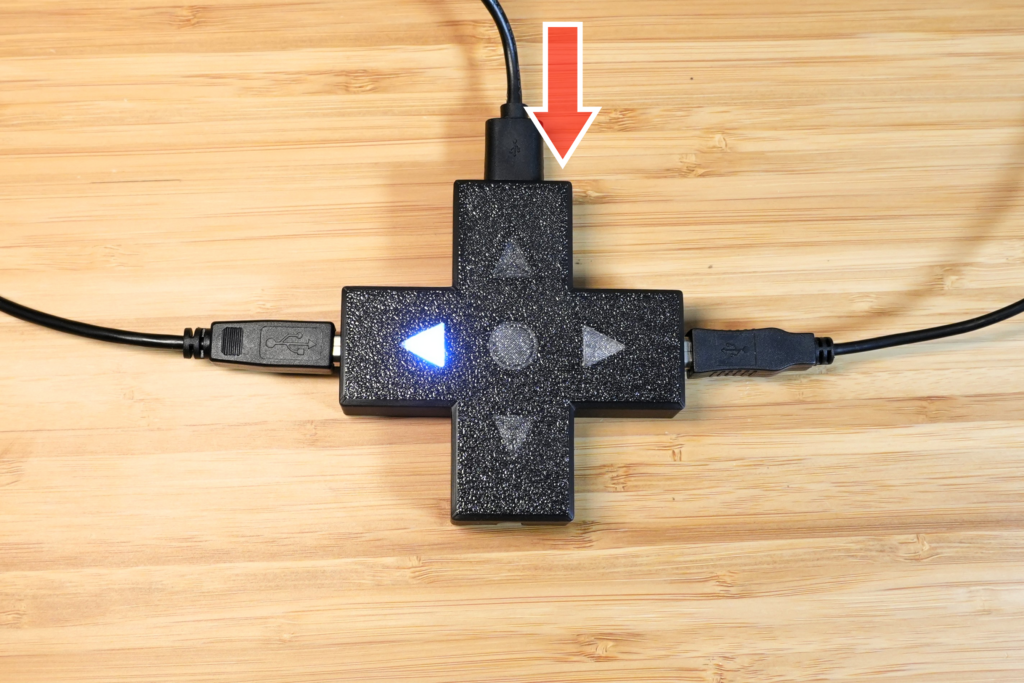
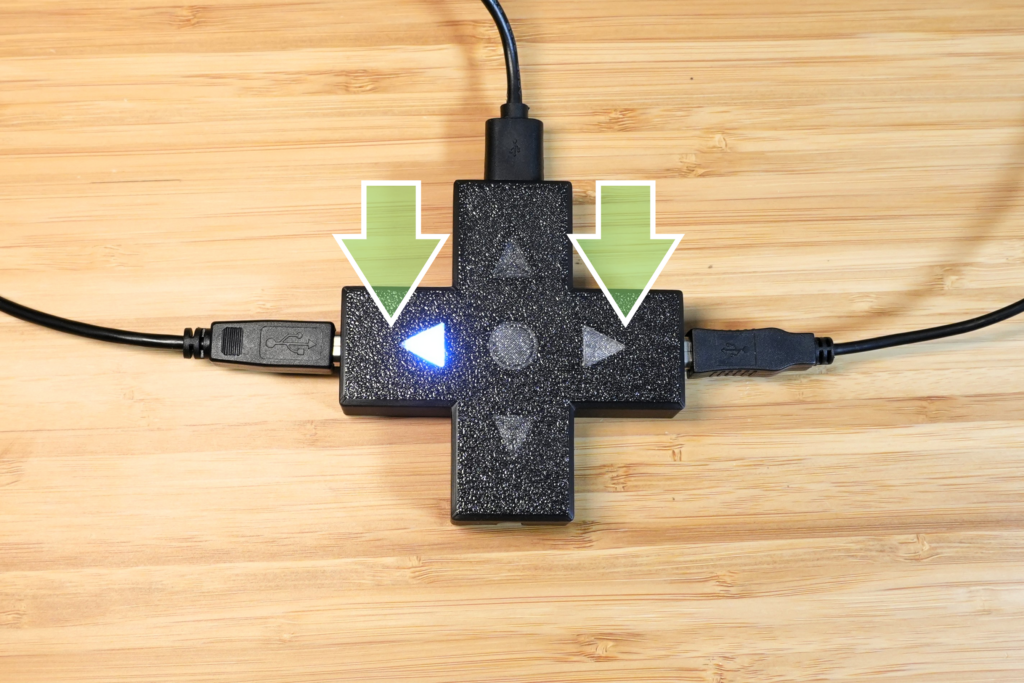
Example connections
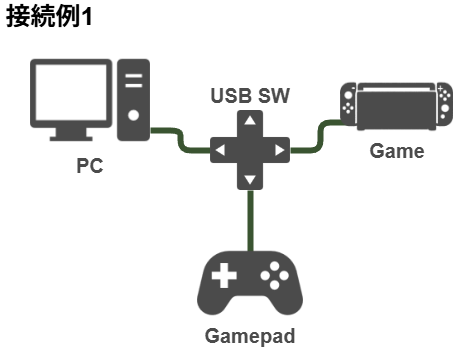
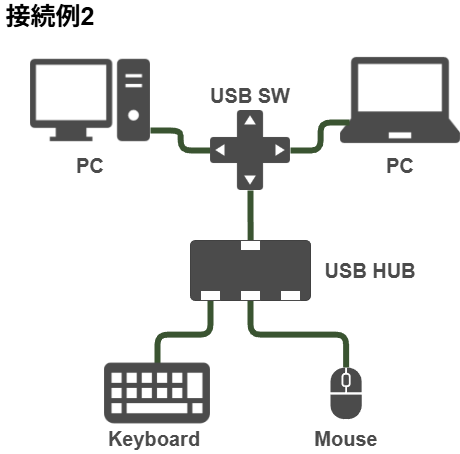
Features of the D-Pad Version
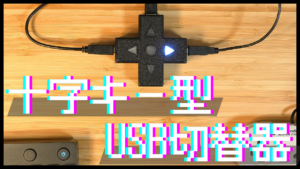
D-pad-shaped design
Modeled after a D-pad, this USB switch gives your desk a retro-game feel.
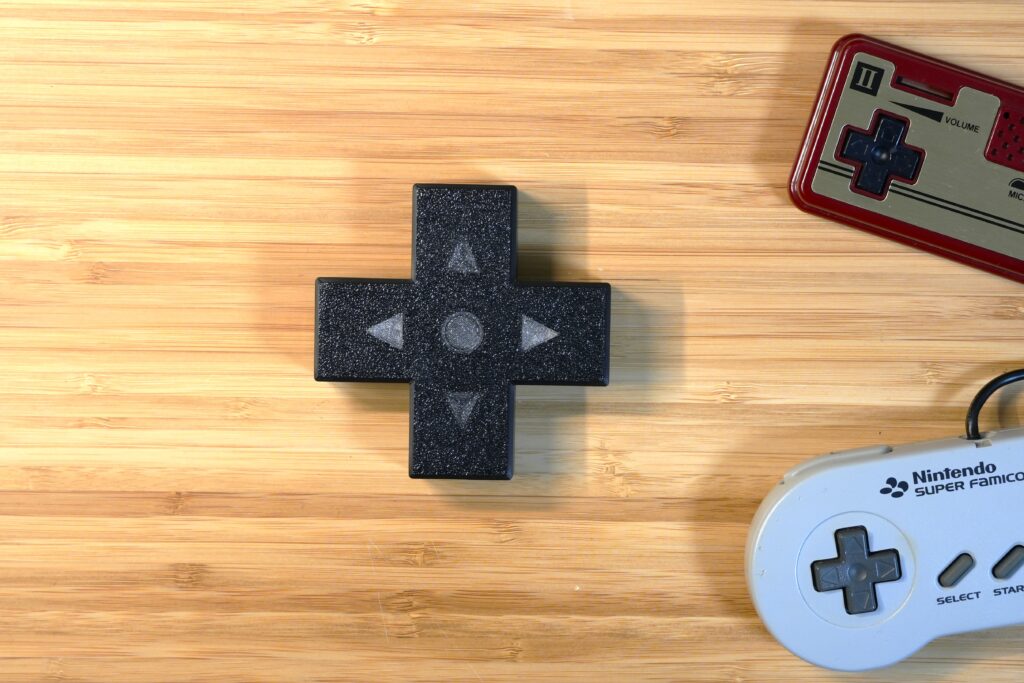
The controls are D-pad-like too: press left or right to choose which USB host the device connects to.
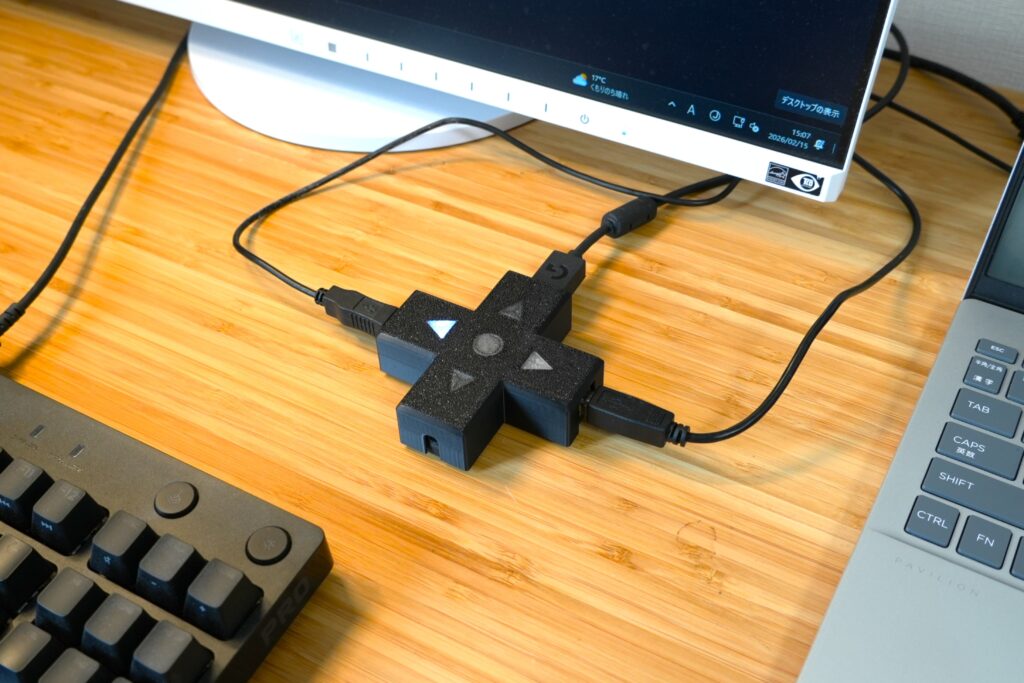
The selected port lights up, so you can tell at a glance which port is active.
Supports USB 2.0 High Speed mode
It supports USB 2.0 High Speed mode.
Beyond ordinary mice, keyboards, and gamepads, it also works with gaming mice/keyboards and USB flash drives.
No latency
Inserting this USB switch adds no latency at the system level.
That makes it well suited to uses that demand low latency, such as gaming.
*Strictly speaking, there is about 0.25 ns of delay. That’s equivalent to extending the cable by roughly 4 cm, and since it’s within one bit of delay, the system-level latency is zero.
Remote switch and external control
You can also connect an optional remote hand switch.
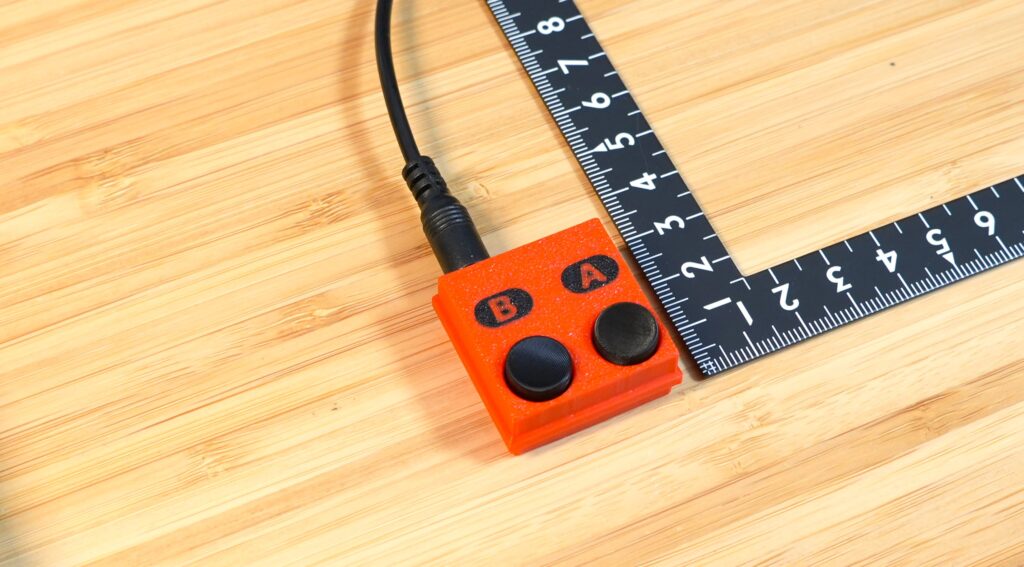
The optional remote switch is very compact at 3 cm × 3 cm, making it a great pick for anyone who wants a tidier desk.
It’s also handy if you want a switch placed somewhere away from the USB switch itself.
We’ve published the circuit for the remote switch, so you can build your own.
You can use a 3.5 mm stereo cable.
The remote switch comes with a 90 cm cable, but commercially available cables work too.
You can also control it from an external microcontroller board.
Overcurrent protection
Each USB port has overcurrent protection.
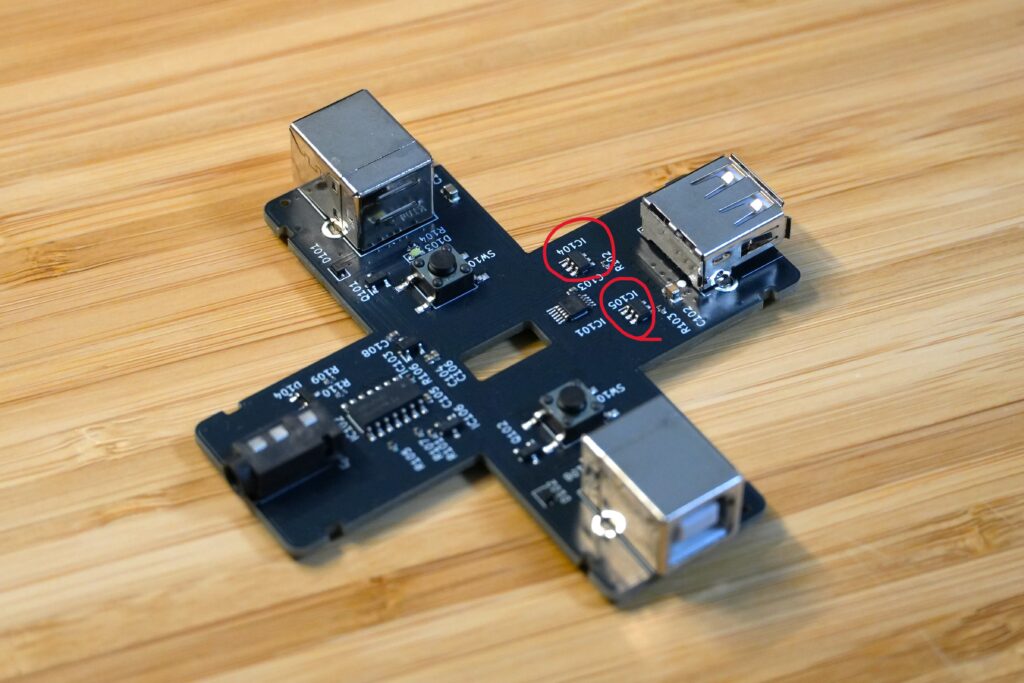
It monitors the current flowing through the device and, if a USB fault or suspicious behavior occurs, shuts the USB device down to protect your PC and USB devices.
Works with almost any USB device
Unlike a USB hub, this USB switch handles switching internally in an analog-switch-like way.
Because of that, it needs no USB drivers and works regardless of the type of USB device.
For example, it works not only with PCs running Windows, Mac, or Linux, but also with game consoles like the Switch 2 and Retro Freak, and microcontroller boards like the Raspberry Pi.
Build diary
Specifications
| Item | Specification |
|---|---|
| Product name | Zero-Latency USB Switch (D-Pad Version) |
| Use | Share one USB device (keyboard / mouse / gamepad, etc.) between two USB hosts (PC / game console, etc.) by switching |
| Example supported hosts | PC, Switch, Retro Freak, etc. |
| USB standard | USB 2.0 High Speed (480 Mbps) |
| Host-side ports | USB Type-B ×2 |
| Device-side ports | USB Type-A ×1 |
| Added system latency | Zero (physical delay: approx. 0.25 ns) |
| Driver | Not required |
| External remote-switch jack | 3.5 mm stereo jack ×1 |
| Protection | USB 5 V overcurrent protection (overcurrent threshold: approx. 1.1 A) |
| Power | USB bus power (no separate power supply needed) |
| Dimensions | W 84 mm, D 84 mm, H 24 mm |